
iOS camera import
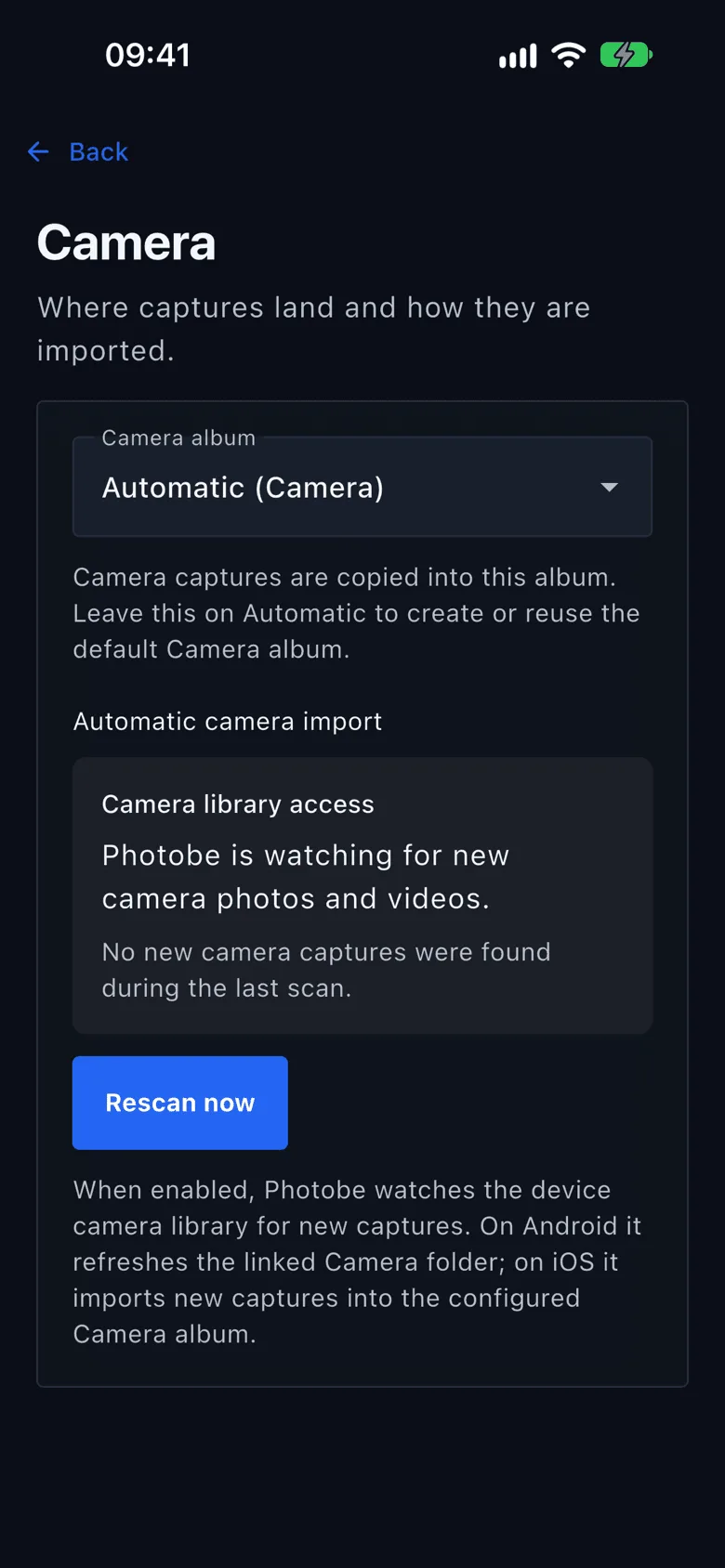
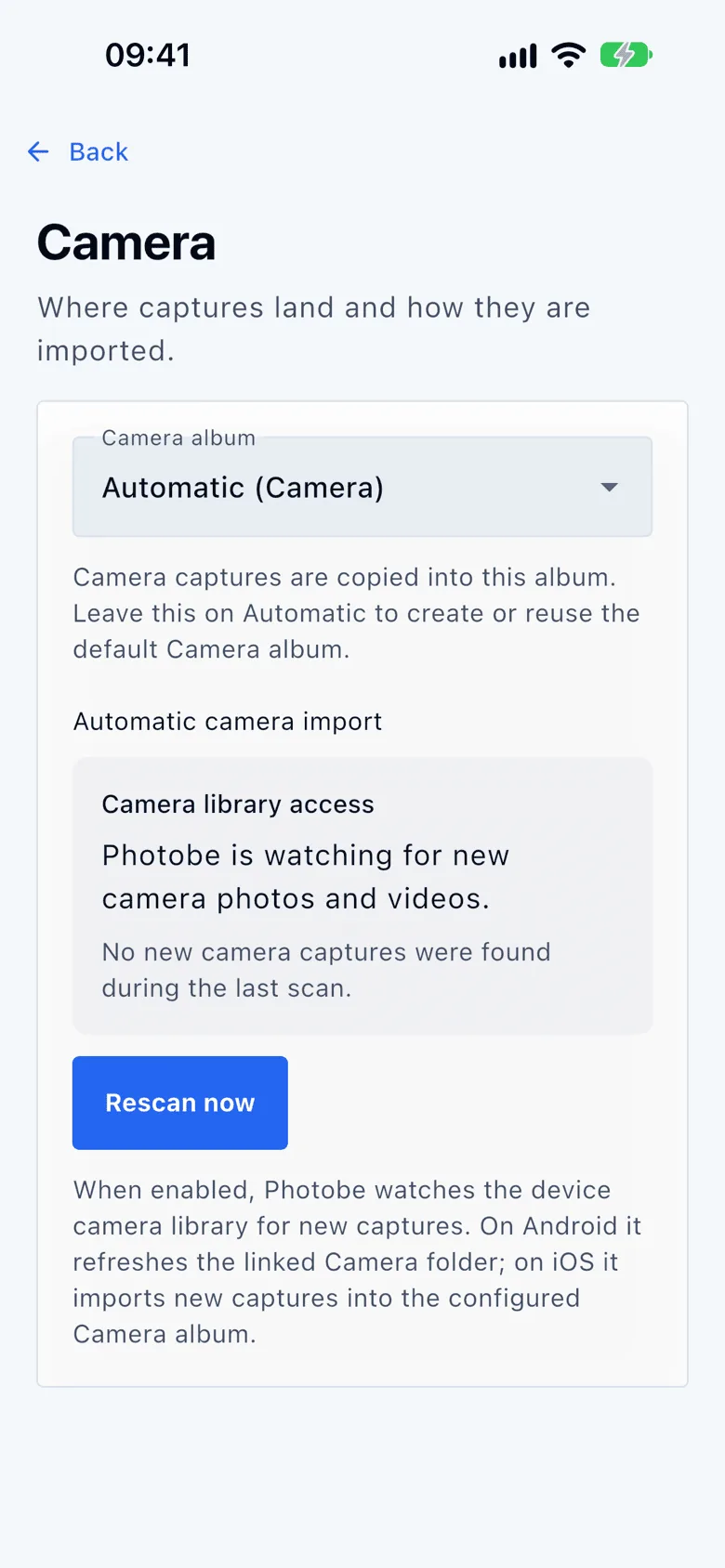
Photobe listens for new captures, brings them into app-readable storage and files them into the Camera album you chose, so they can sync to the desktop and to Android later.
Photobe is designed so your phone stays your fastest camera workflow, not a waiting room before everything ends up in a vague cloud timeline. The full library, the editor and the tools are all there, with or without an account.
Screenshots from iOS. Android looks the same.
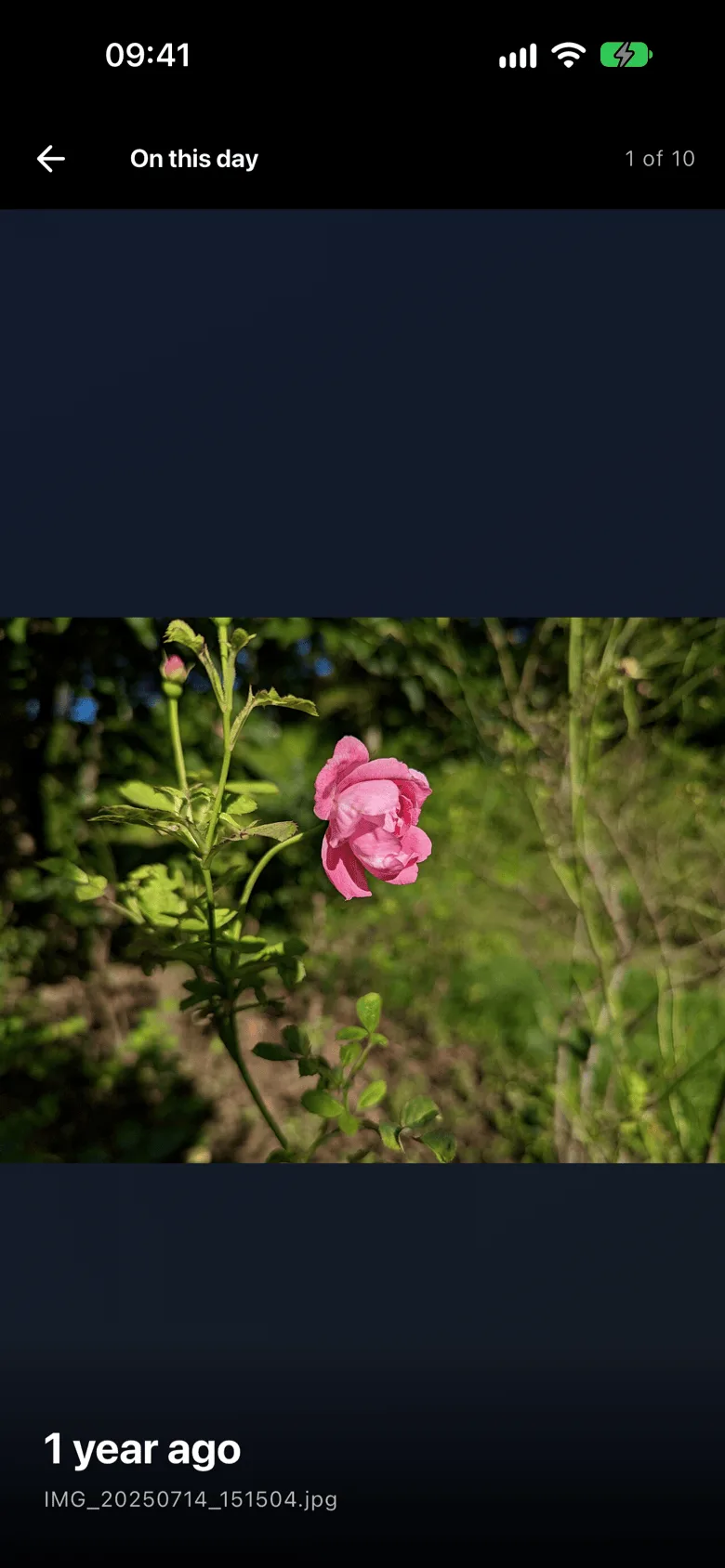
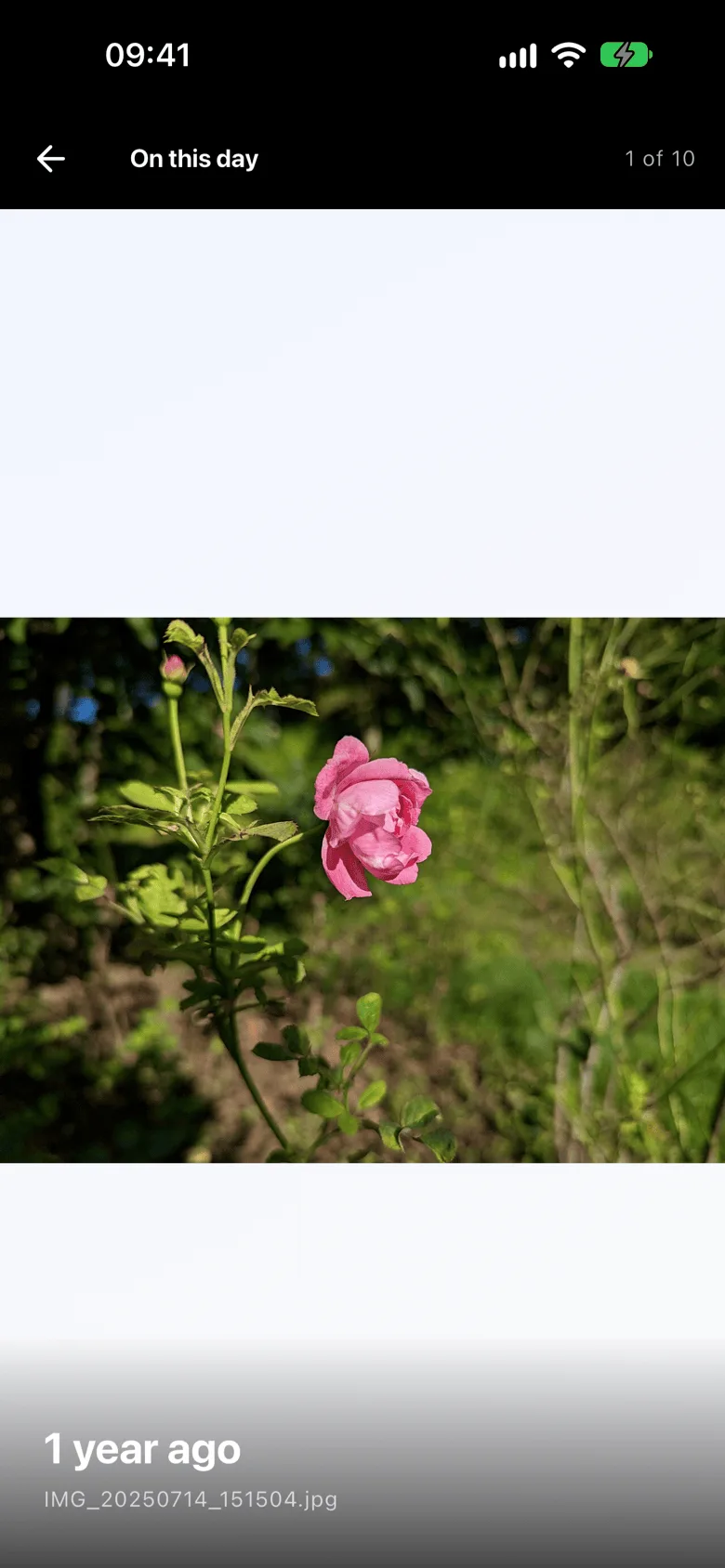
Fast capture, clear album destinations and reliable local browsing, long before sync enters the picture.
Photobe listens for new captures, brings them into app-readable storage and files them into the Camera album you chose, so they can sync to the desktop and to Android later.
MediaStore monitoring and periodic rescans bring new captures into the library even when the app was not already open.
With no network at all, browsing, importing, editing, searching and organizing carry on. Sync catches up later, and only on Wi-Fi if you say so.
Crop with presets, rotate and flip without losing quality, resize before sending. Save over the original or into a new file beside it.
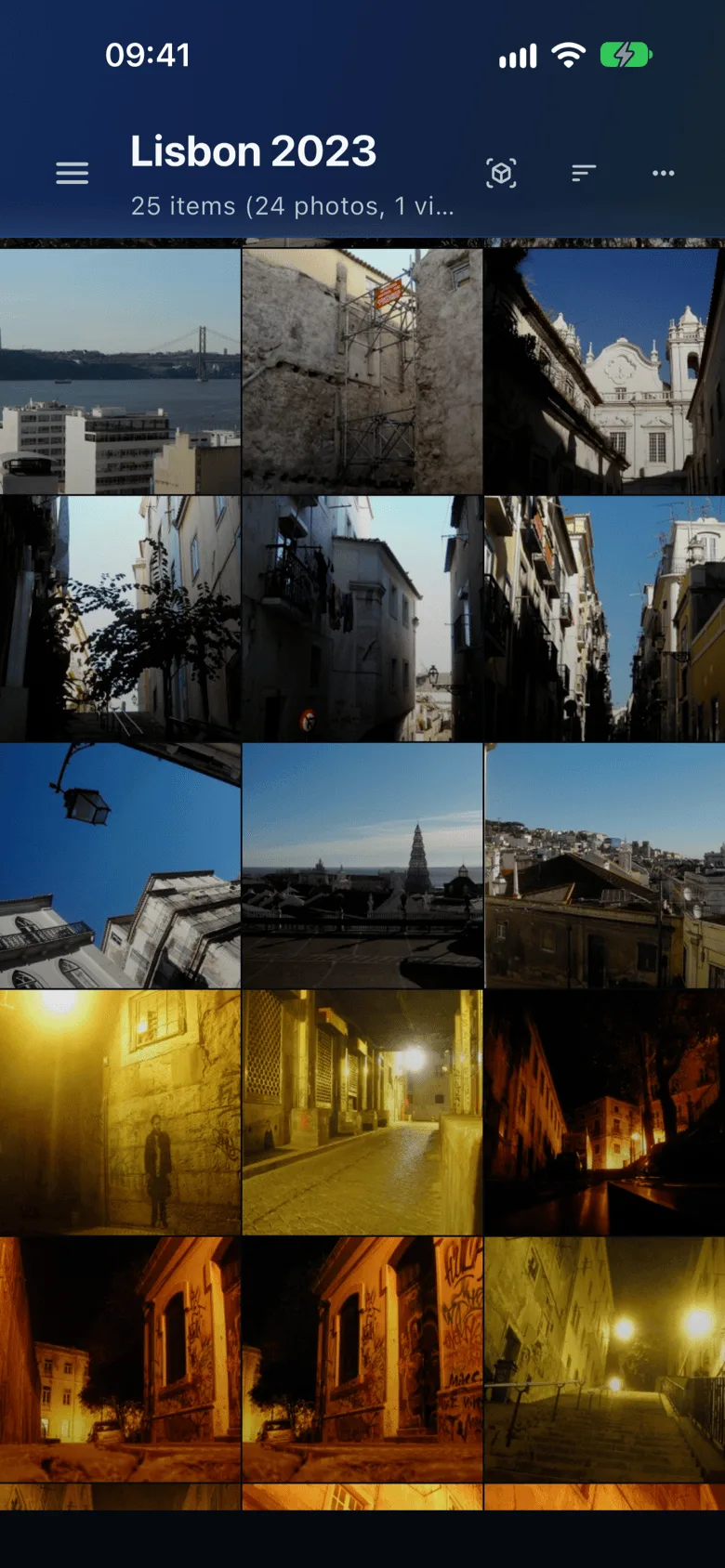
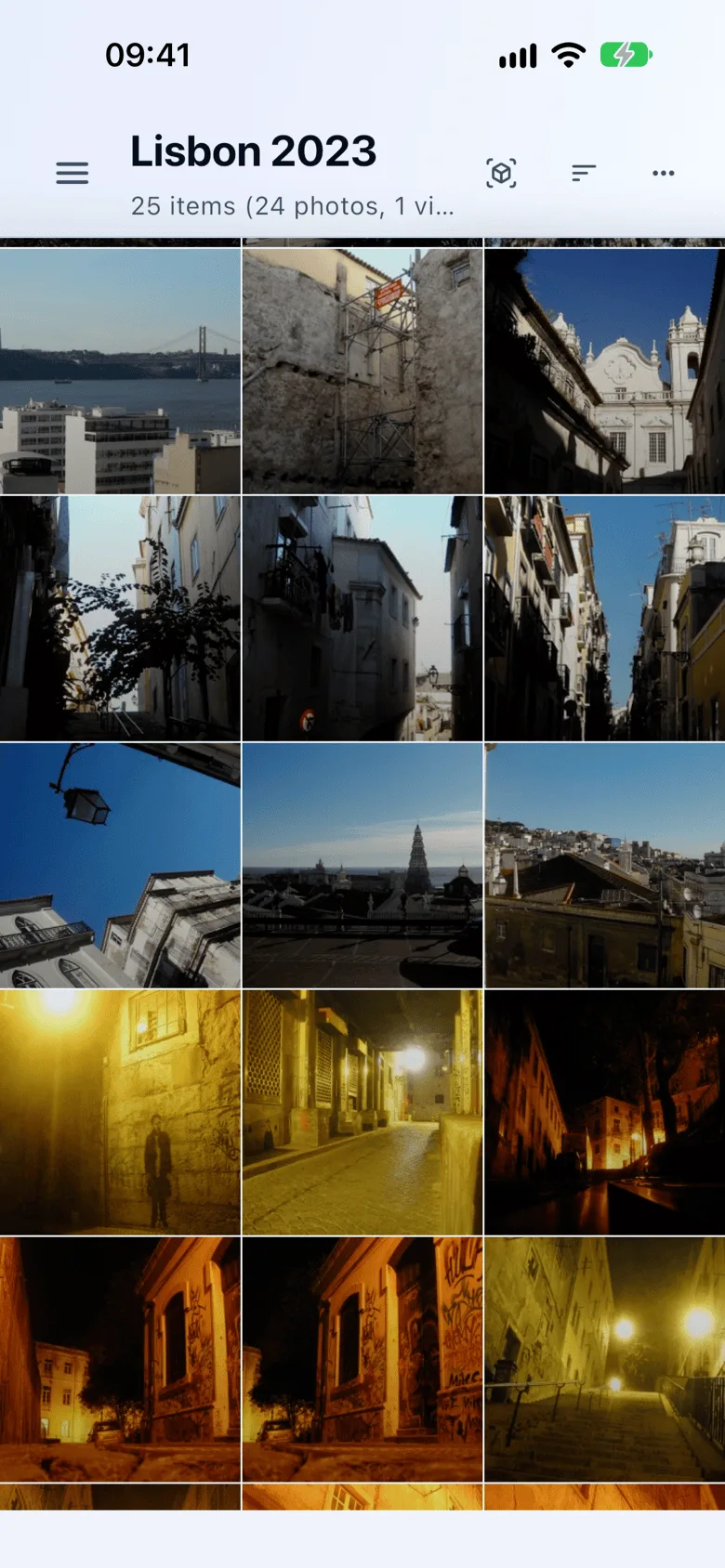
Portrait and landscape layouts, per-device view settings and a focused header keep browsing comfortable on smaller screens.
On Android, Photobe can be the app that opens a photo or video from anywhere else, with the same viewer and the same tools.
Photobe is aimed at a practical problem: taking pictures on iOS, then wanting them arranged properly on the desktop or on Android instead of sitting forever in one catch-all camera stream.
Set a preferred Camera album per device, let Photobe fall back safely when it has to, and keep imports aligned with the albums you actually use.
With an account and a plan, invitations, collaborator and viewer roles, links and activity notifications all come from the same app. Without one, the phone keeps everything to itself: no link, no invitation, no upload.